
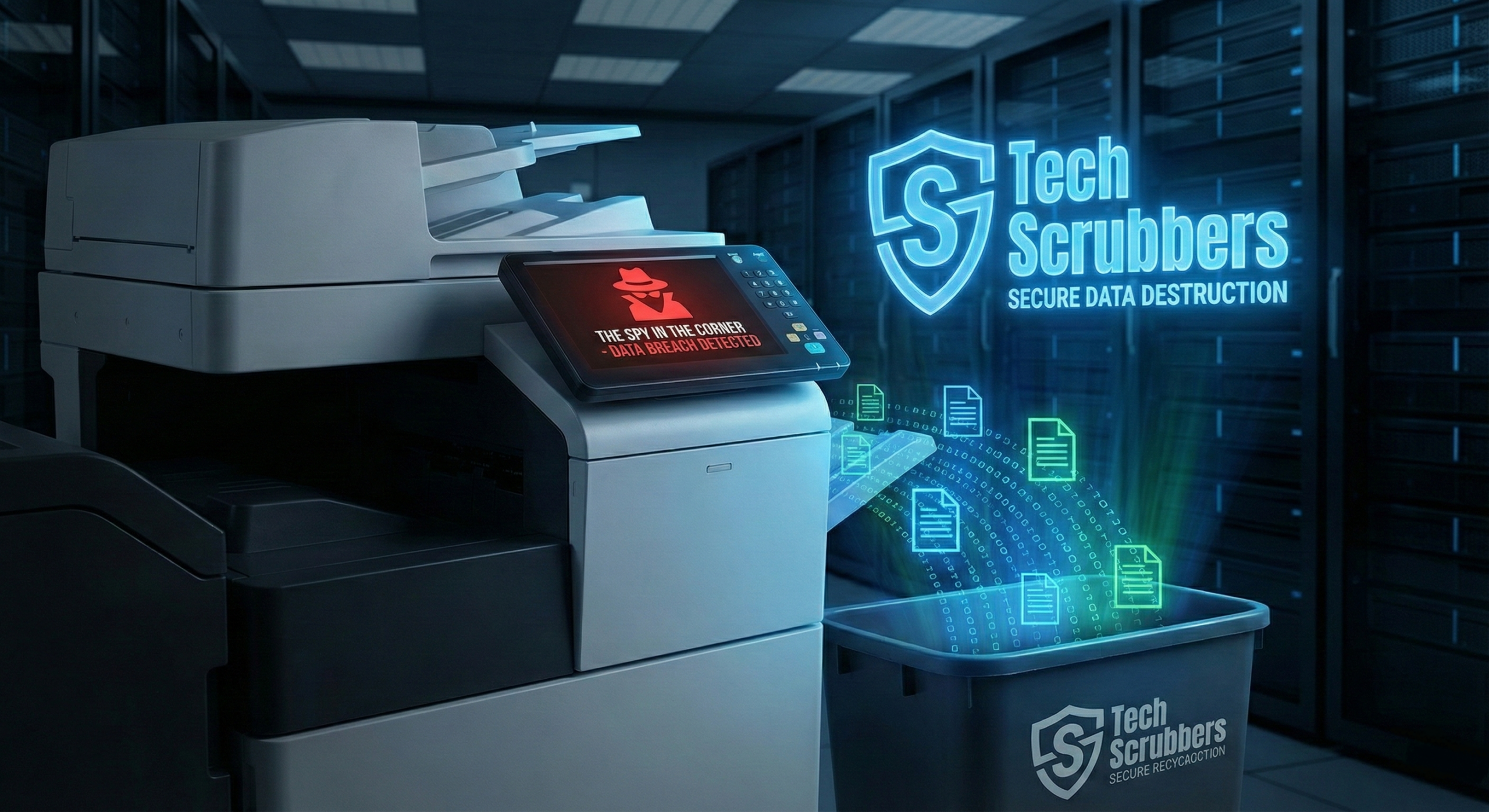
The Spy in the Corner: Why Your Office Printer is Your Biggest Data Leak
It remembers every scan, every invoice, and every passport. And you probably just sold it on eBay.
Picture this: You’ve just completed a major office upgrade in Manchester. The old laptops have been professionally wiped by a certified team. The servers have been physically destroyed. You are 100% GDPR compliant.
Or so you think.
While you were focusing on the computers, the large multifunction printer (MFP) in the hallway was loaded onto a van and sold to a second-hand dealer. Nobody touched it. It’s just a printer, right?
Wrong. That printer contains a hard drive. And on that hard drive is a digital image of every single document you have scanned, copied, or printed in the last three years.
The Anatomy of a Hidden Breach
Modern office equipment isn’t just mechanical; it is a sophisticated computer with a paper tray. These devices use Non-Volatile Random Access Memory (NVRAM) and internal HDDs to store job logs, address books, and cached document images.
This isn’t paranoia; it is a documented security flaw. When these devices lose power, the data does not vanish. It sits there, waiting for the next owner to hit “Print Log”.
> ACCESS LEVEL: ADMIN (DEFAULT PASSWORD)
> MOUNTING HDD VOLUME… SUCCESS.
> SCANNING SECTOR 001-999…
[!] 4,203 FILES FOUND.
> FILE TYPE: .PDF (OCR)
> CONTENT SAMPLE:
– “Payroll_Aug_2025.pdf”
– “CEO_Passport_Scan_Color.jpg”
– “Confidential_Merger_Draft_v2.docx”
> STATUS: FULLY RECOVERABLE
If you don’t specifically target these devices for Certified Data Erasure, you are essentially handing your most sensitive intellectual property directly to the highest bidder.
The “Hidden 4” Devices You Forgot to Wipe
It’s not just printers. Your office is full of “Smart” devices (IoT) that hoard data. At Tech Scrubbers, we include these in our standard “Hidden Asset” audit—something most basic recycling firms ignore.
Multifunction Printers
The Threat: Internal HDDs store copies of scans and prints.
The Data: Invoices, HR records, contracts, and network Wi-Fi passwords.
VoIP Phones
The Threat: On-board storage for call logs and contacts.
The Data: Client phone numbers, recorded voicemails, and call metadata.
Smart TVs & Boards
The Threat: Cached login tokens and session data.
The Data: Presentation slides, browser history, and saved passwords for streaming apps.
Network Switches
The Threat: Configuration files stored in flash memory.
The Data: Network topology maps and encryption keys that hackers love.
How to Fix It (The Tech Scrubbers Way)
Factory resetting a printer usually only clears the user settings, not the hard drive data. To be safe, you need a forensic approach. Here is how we handle “Hidden Data” during an Office IT Clearance:
-
✓
Identify: We create an asset register that includes ALL powered devices, not just computers.
-
✓
Isolate: We disconnect devices from the network before decommissioning to prevent last-minute cloud syncs.
-
✓
Purge: We use specialist software (like Blancco) designed for printer sanitisation, or physically remove and shred the drive.
-
✓
Verify: Your Certificate of Destruction will explicitly list the printer’s serial number, proving compliance to auditors.
Don’t Let Your Printer Talk.
Get a free “Hidden Asset” Audit included with your next collection in Manchester. Secure your data from the corner office to the copy room.
Book Your Audit